
Live or source
One key switches between the finished page and plain Markdown.
YOUR LOCAL NOTEBOOK
A calm place for thoughts, plans and projects. You write in Markdown, organise in folders and tick things off. And when a note needs to work something out, it simply does the maths.
v0.2.5 Preview · macOS Apple Silicon · Open Source · GPL-3.0
A NOTEBOOK FOR EVERYTHING ON YOUR MIND
Live Markdown: you see the finished page and still just type text. Headings, lists, checklists, tables, maths and diagrams. Focus mode when you need quiet.
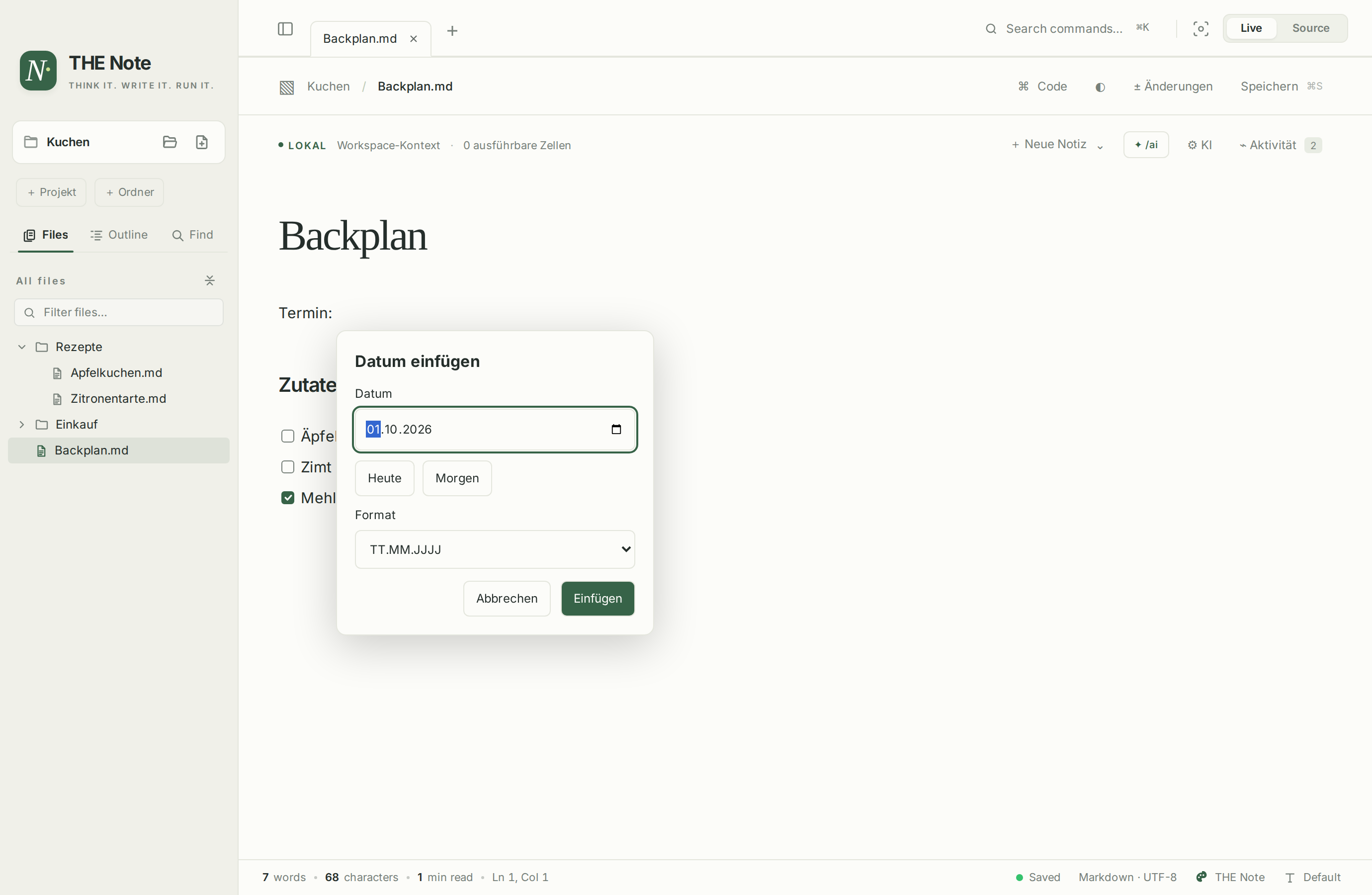
Folders and notes in the sidebar, recipes with recipes, minutes with minutes: just drag a note onto a folder. Tabs with their own undo, renamed with a double-click. /date inserts a date exactly at the caret.
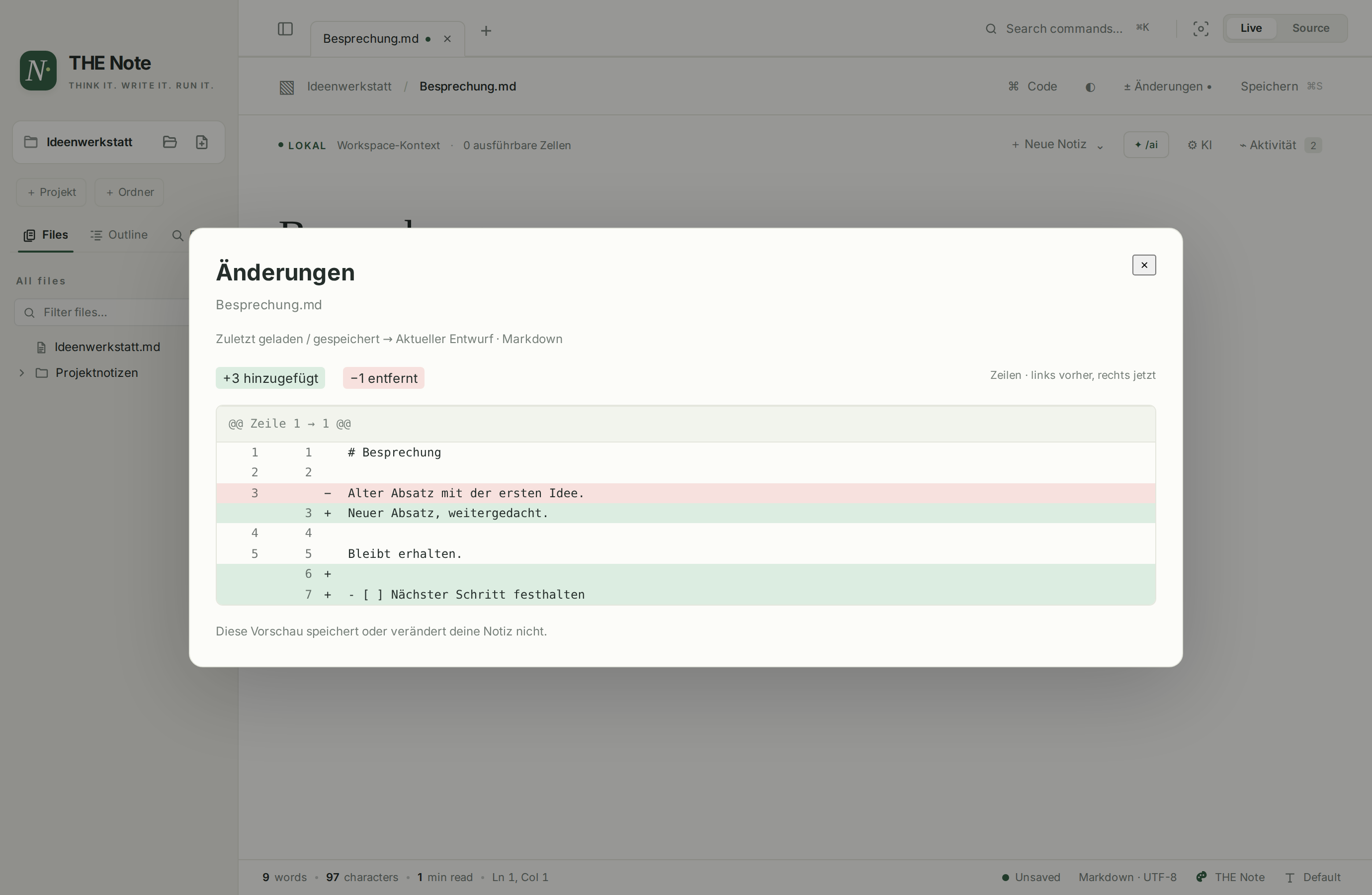
Before you save, ± Changes shows the difference to the last saved state. Per tab, with line numbers and no surprises.
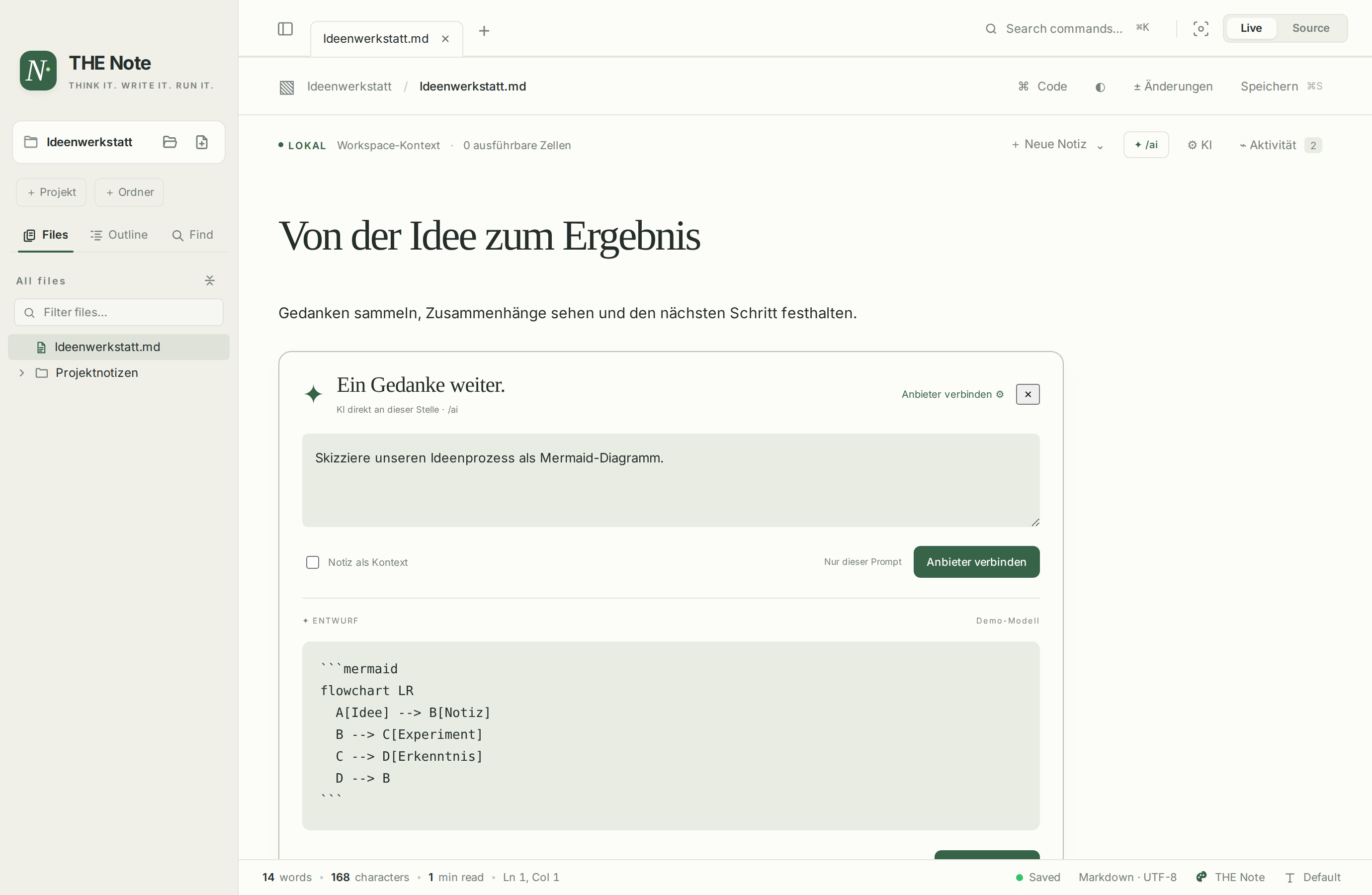
/ai opens a prompt right in the note. OpenAI, Claude, Gemini or an internal API with your own key. You only accept what fits.
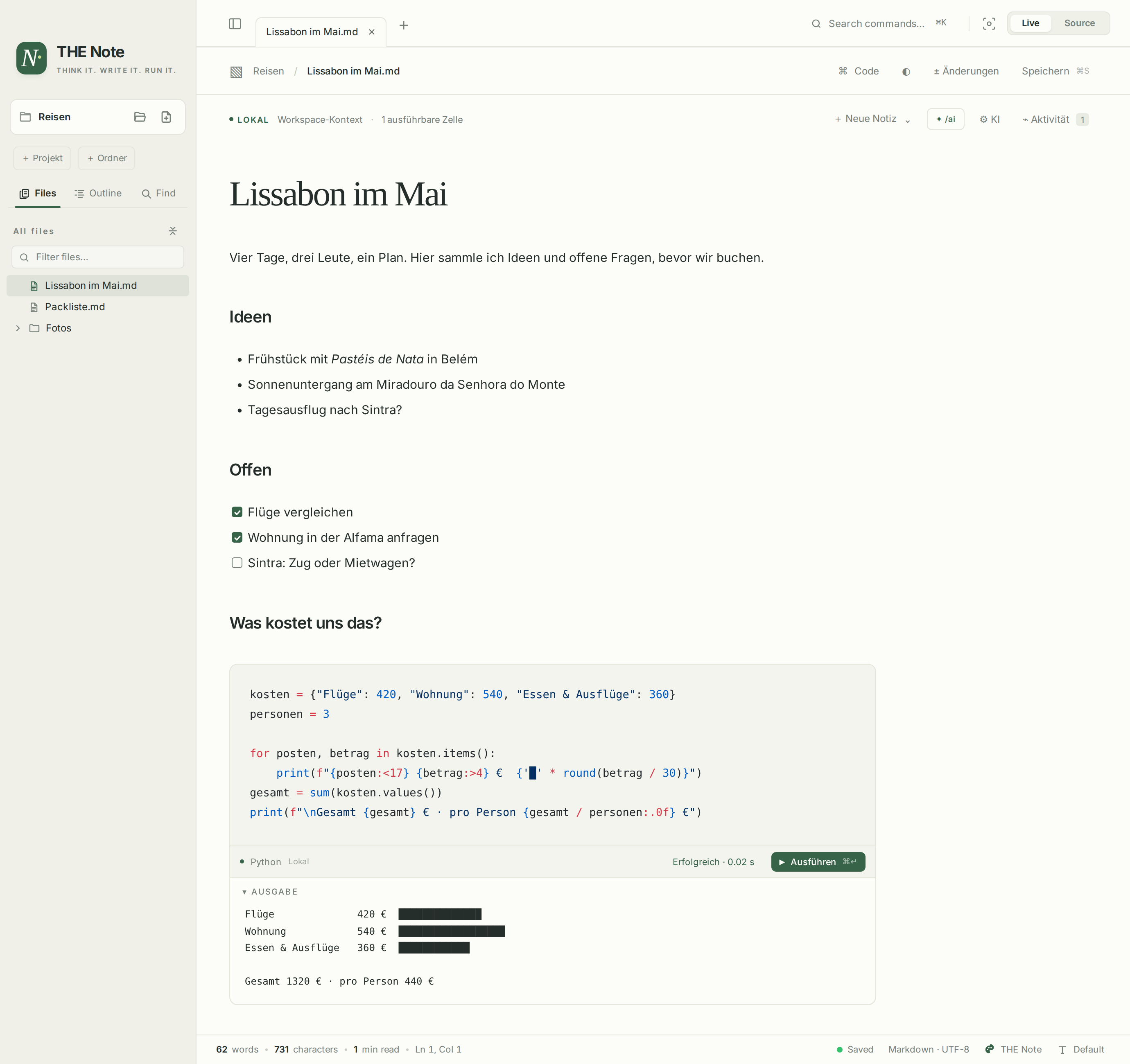
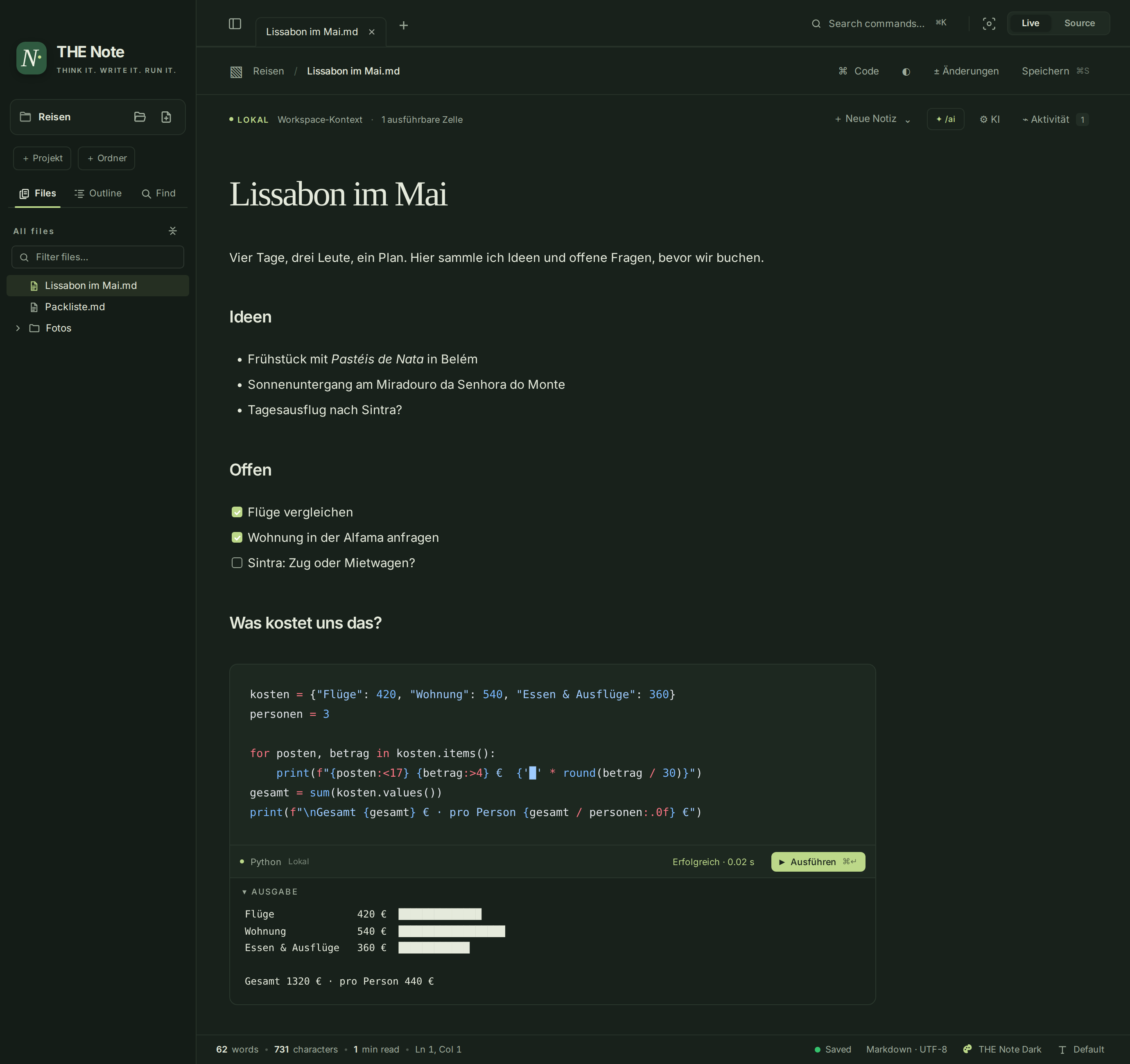
A code block in your note calculates, checks or tries something out: shell, Python or JavaScript, local and with a stop button. The output appears below and never ends up in your file.
IN DETAIL
One key switches between the finished page and plain Markdown.
Every note remembers its history, even when you switch.
/formel inserts a table with =SUM(D2:D4). The file keeps the formula, the note shows the result. Plus KaTeX, Mermaid and D2.
Follows your system on first launch, then your choice.
HTML out of the box, more formats via Pandoc.
Just .md files on your Mac. Nothing has to go to a cloud.
GET STARTED
Under + Neue Notiz (new note) you get a blank page or a template. Two example notes show what code blocks can do inside a note. Every block in them only reads and changes nothing.
x & yREADY FOR YOUR NEXT IDEA
Install THE Note as a DMG, with Homebrew or from the terminal. The current build is for macOS 11+ on Apple Silicon.
Download DMG for macOSOpen the DMG and drag THE Note to Applications.
ZIP alternative
v0.2.5 · Development version
Developer ID signed and notarised by Apple.
brew tap tobwil/thenote https://github.com/tobwil/THENote
brew trust --cask tobwil/thenote/the-note
brew install --cask tobwil/thenote/the-note
Homebrew 6 needs the one-time trust step. Skip that line on older versions.
Updates: brew upgrade --cask tobwil/thenote/the-note
curl -fsSL https://tobwil.github.io/THENote/install.sh | bashInstalls to ~/Applications without sudo. Verifies the download, SHA-256 and app signature. A running app is never replaced.
The preview is Developer ID signed and notarised by Apple. On first launch, confirm the standard macOS prompt for an app downloaded from the internet by choosing “Open”. Save your notes and quit the app before updating. Installation details ↗
OPEN. LOCAL. TRACEABLE.
No app account. No proprietary note format. You decide which files you open and whether you use AI at all. Note content is only sent to your AI provider when the context option is switched on.
THE Note is open source under GPL-3.0-or-later. Its development, the conversation history, tests and known limits are documented in public.
Code blocks run with your local user permissions. AI providers may charge for API usage. The preview above is recreated in your browser; the screenshots show example notes with locally produced output and a simulated AI answer. The app interface is currently in German.
Thanks to Sarala by Srinivas Gowda for the editor foundation and to Ledge for executable notes and the frontmatter parser. THE Note is an independent derivative project. Origin & licences ↗